Best Prepper Apps: Digital Tools for Survival
Quick answer
- The best prepper apps cover: emergency alerts tied to your location, downloadable maps for offline navigation, clear first-aid steps, simple supply inventories, and at least one resilient communication method.
- Starter stack: FEMA or Red Cross for alerts; Gaia GPS or Google Maps offline for navigation; Red Cross First Aid for medical guidance; Sortly or Pantry Check for inventory; Signal or Zello for communication.
Direct answer: The best prepper apps are the ones you will actually use during stress. They send reliable location-based warnings, give turn-by-turn or topo maps without a network, walk you through medical steps, track supplies, and provide a backup way to contact people.
Verify any statistics or market-size claims against primary sources before citing them.
What a prepper app does
A prepper app helps a household prepare for, respond to, and recover from emergencies. Typical functions include:
- Location-based alerts and official warnings
- Downloadable maps and route planning for offline use
- Step-by-step medical guidance for common injuries
- Simple tools to track food, water, and gear
- Messaging or radio-like features that work when networks are strained
Use these apps with printed backups, practice drills, and physical supplies.
Why these apps matter
Apps speed decision-making. They keep your contacts, critical maps, and medical notes in one place. They put clear action steps in front of you when seconds matter. They also help you rotate food and medication by reminding you what expires and when.
Phones and networks can fail. Treat apps as one layer of a broader plan.
How to read the app entries
Each listing shows:
- Platforms: iOS / Android
- Key features
- Best for: common user scenario
- Offline capability: Yes / Partial / No
- Notes: short caveats or recommendations
Emergency alert apps — warnings and guidance
-
FEMA App
- Platforms: iOS, Android
- Key features: official federal alerts, preparedness checklists, nearby shelter locator
- Best for: U.S. residents who want official guidance
- Offline capability: Partial (prepared content can be cached)
- Notes: Also sign up for local or state alert systems
-
American Red Cross Emergency
- Platforms: iOS, Android
- Key features: custom hazard alerts, step-by-step safety instructions, family check-in feature
- Best for: people who want clear “what to do next” guidance
- Offline capability: Partial
-
NOAA / NWS and regional radar apps
- Platforms: iOS, Android
- Key features: live radar, storm tracking, severe-weather warnings
- Best for: tornado, hurricane, and flood-prone areas
- Offline capability: No (real-time data requires connectivity)
- Notes: Use official feeds or apps that repackage NWS data without delay
What to look for in an alert app:
- Customizable, location-based notifications
- Concrete action steps, not just warnings
- Credible sources such as FEMA, Red Cross, NOAA, or local authorities
- Ability to cache preparedness content for offline use
Navigation and mapping apps — route planning and offline maps
-
Gaia GPS
- Platforms: iOS, Android
- Key features: downloadable topo and satellite maps, route recording, offline use
- Best for: backcountry travel and off-grid navigation
- Offline capability: Yes
- Notes: A subscription unlocks more map layers
-
onX (Hunt / Backcountry)
- Platforms: iOS, Android
- Key features: offline maps, property boundaries, trail access
- Best for: planning routes that respect land ownership
- Offline capability: Yes
-
Google Maps (offline) and Organic Maps
- Platforms: iOS, Android
- Key features: downloaded city or regional maps, saved locations, basic turn-by-turn
- Best for: urban and suburban evacuation routes
- Offline capability: Partial
- Notes: Organic Maps favors privacy and better offline behavior
-
What3Words
- Platforms: iOS, Android
- Key features: three-word addressing for precise spot sharing
- Best for: sharing exact locations with responders or teammates
- Offline capability: Partial
Navigation habits that pay off:
- Download offline maps for home, work, and likely evacuation routes.
- Save hospitals, shelters, gas stations, and water sources as saved waypoints.
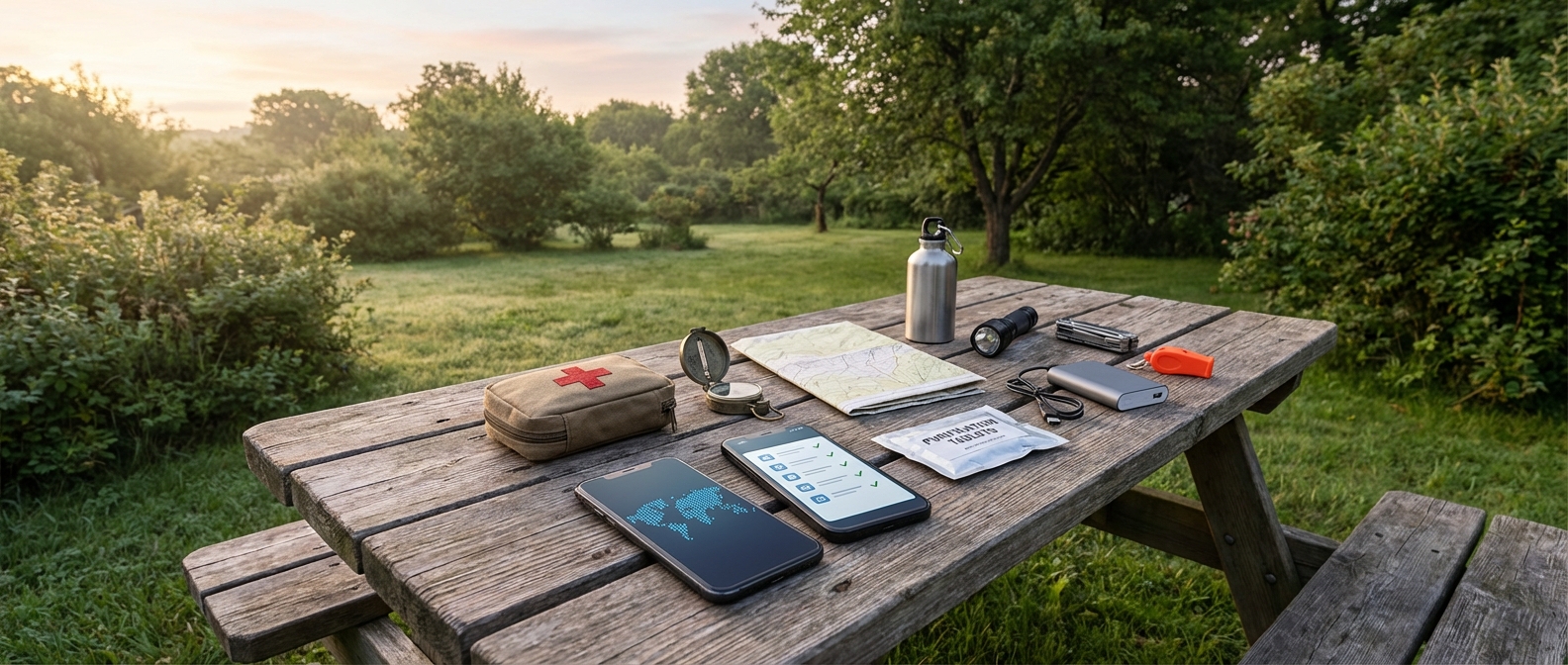
- Practice using apps in airplane mode. Keep a paper map and compass as a backup.
First aid and medical apps
-
Red Cross First Aid
- Platforms: iOS, Android
- Key features: step-by-step instructions for burns, bleeding, choking, and fractures
- Best for: non-medical people who need clear, fast instructions
- Offline capability: Partial
- Notes: Pair the app with hands-on first aid and CPR training
-
Offline medical reference apps
- Platforms: iOS, Android
- Key features: downloadable guides on wound care, sanitation, and emergency procedures
- Best for: users who want a library of medical references they can access offline
- Offline capability: Yes, if content is saved locally
- Notes: Confirm the app’s sources and credentials
-
Medication management apps
- Platforms: iOS, Android
- Key features: refill reminders, medication lists, dosing notes
- Best for: households managing chronic prescriptions
- Offline capability: Partial
- Notes: Keep a printed medication list with drug names, dosages, and allergies
Medical rules to follow:
- Use only reputable sources.
- Keep printed medical notes in your kit.
- Get hands-on training in addition to relying on apps.
Food and water management apps
-
Pantry and inventory apps (Sortly, Pantry Check)
- Platforms: iOS, Android
- Key features: track stock levels, set expiration reminders, photo-based logging
- Best for: organizing household supplies and rotating stock
- Offline capability: Partial
-
Water planning apps
- Platforms: iOS, Android
- Key features: calculators for storage needs and daily consumption
- Best for: estimating how much water to store for family size and pets
- Offline capability: Partial
-
Water purification references (apps, PDFs)
- Platforms: iOS, Android
- Key features: boiling, filtration, and chemical treatment instructions you can save locally
- Best for: offline guidance on purification techniques
- Offline capability: Yes, if saved locally
Practical habits:
- Do a monthly pantry check and set expiration reminders.
- Link shopping lists to preparedness goals, not impulse buys.
- Plan water at about 1 gallon per person per day, adjust for climate and activity.
Communication apps — staying in touch when networks are stressed
-
Zello
- Platforms: iOS, Android
- Key features: push-to-talk channels and low-latency voice
- Best for: group coordination when voice networks are busy
- Offline capability: No
-
Signal
- Platforms: iOS, Android
- Key features: end-to-end encrypted messages, voice and video calls, location sharing
- Best for: private family or team communications
- Offline capability: No
-
Mesh and Bluetooth messaging (Bridgefy, etc.)
- Platforms: iOS, Android
- Key features: short-range messaging without internet
- Best for: neighborhood-level coordination and local teams
- Offline capability: Yes
- Notes: Range and reliability vary by device and environment
-
Amateur radio companion apps
- Platforms: iOS, Android
- Key features: repeater directories, frequency charts, study tools
- Best for: people who also operate ham radio systems
- Offline capability: Partial
Communication habits that work:
- Pre-create family or team channels and a check-in schedule.
- Save critical contacts on your phone and on paper.
- Use at least two methods: a private messenger and a mesh or radio option.
Choosing the right prepper apps: a practical checklist
Starter stack for most people:
- One emergency alert app (FEMA or Red Cross)
- One offline navigation app (Gaia GPS, onX, or Google Maps offline)
- One first-aid app (Red Cross First Aid)
- One inventory app (Sortly or Pantry Check)
- One communication app (Signal or Zello), plus an optional mesh app
Five quick questions before you commit:
- Does it work offline at least partially?
- Are the sources credible and updated regularly?
- Can you use it quickly under stress?
- Does it solve a real household preparedness need, like tracking medication or finding the nearest hospital?
- Have you practiced with it in non-emergency conditions?
Start small. Test two or three apps that match your biggest risks. Then connect digital tools to physical actions: store water, rotate food, build a go-bag, and print a family emergency plan.
FAQ
Q: What are the best prepper apps?
A: For most beginners: FEMA or Red Cross alerts; NOAA/NWS weather apps; Gaia GPS or onX for offline maps; Red Cross First Aid; Sortly or Pantry Check for inventory; Signal or Zello for communication.
Q: How do these apps help preparedness?
A: They give timely alerts, offline navigation, step-by-step medical guidance, inventory tracking, and backup communication so you act faster and more accurately.
Q: Can I rely on apps alone?
A: No. Apps are tools. Keep printed backups, physical supplies, hands-on skills, and at least one non-digital communications plan.
Q: Which app should I download first?
A: Start with one emergency alert app and one first-aid app. Those two add immediate safety value.
Final checks and regional advice
- Verify statistics and market claims against primary sources like FEMA, the American Red Cross, and NOAA.
- Test chosen apps in airplane mode and run a realistic drill.
- Keep printed copies of contacts, medication lists, and maps in your emergency kit.
For region-specific recommendations, contact your local emergency management office or trusted organizations such as FEMA, the American Red Cross, and NOAA/NWS.